Poster & frame mockups
Every print, in every room photo.
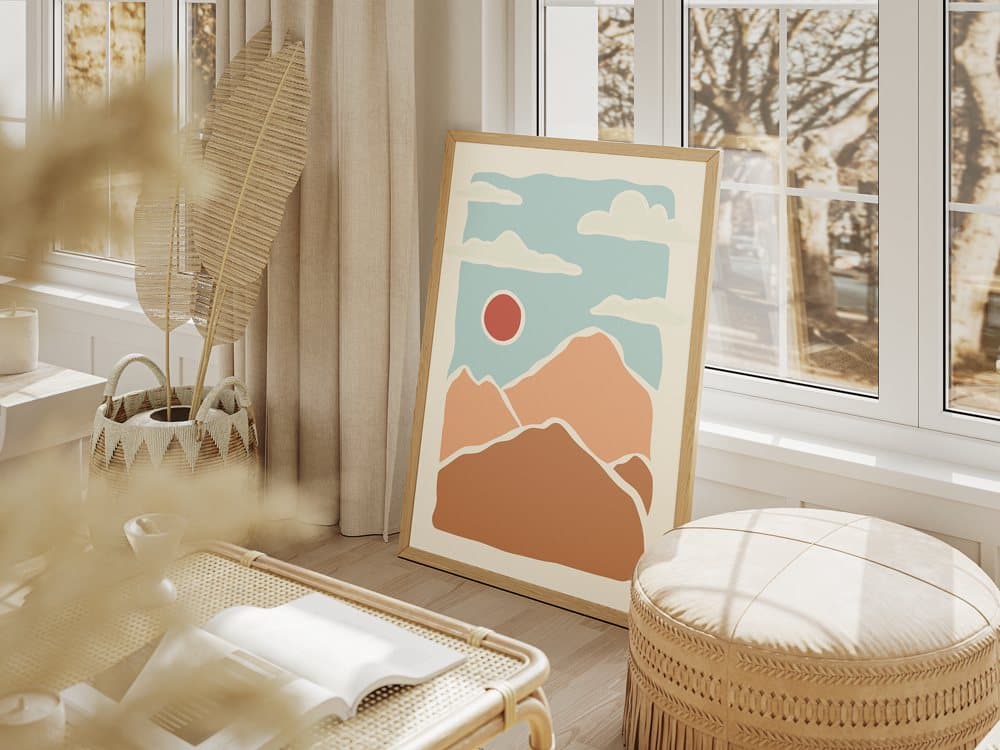
Wall art sells on room photos. Save your frame mockups once — straight on or at an angle — and every new print drops into all of them, ready for your listing.
Start free — no card needed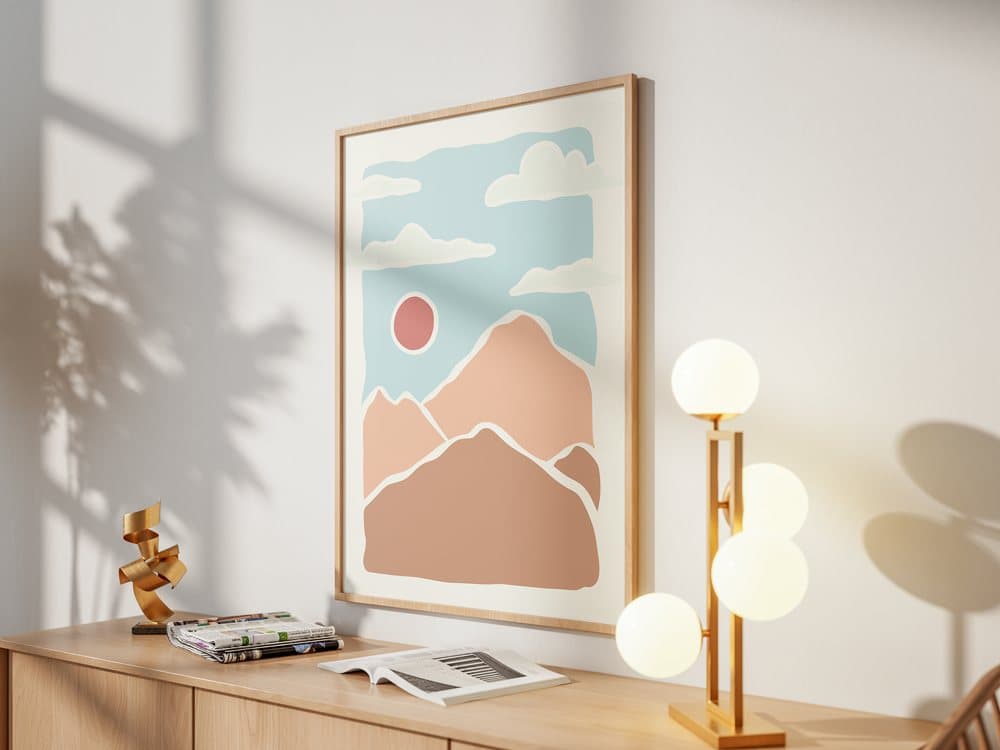

How it works
- 1
Add your frame mockups
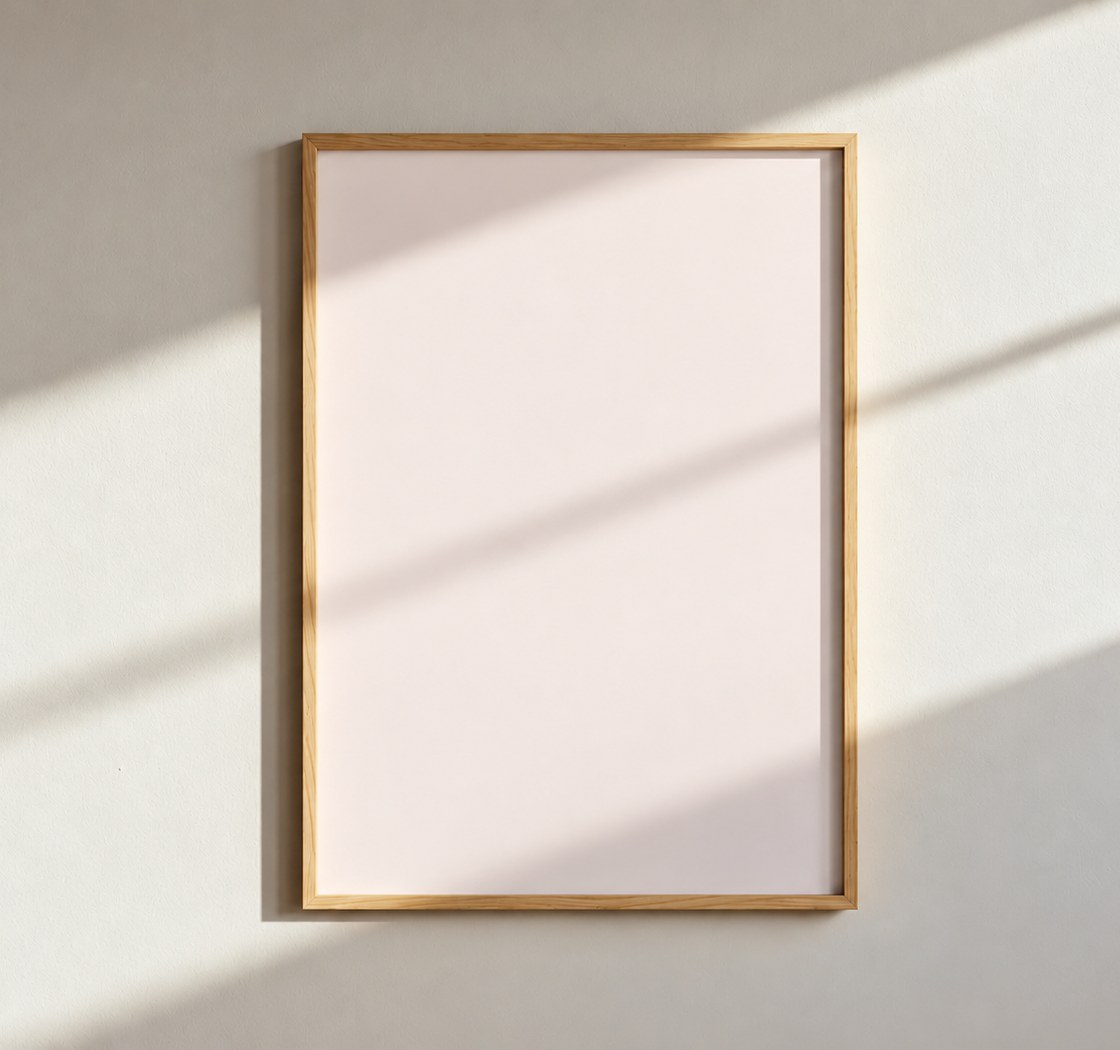
Upload room scenes, frames on a wall or leaning on the floor — JPG, PNG or PSD — and keep them as one template.
- 2
Fit the print to the frame
Use Fill to cover the whole frame, or drag the four corners with Perspective for frames shot at an angle.
- 3
Batch your prints
Drop in a whole collection. Every print lands inside every frame, ready to download in one ZIP.
Why wall art sellers use templates
Angled frames, done once
Set the four corners of a frame shot at an angle once, and every print follows that perspective.
Light and glass stay on top
Sun, shadows and reflections from the photo are kept over the print, so it looks hung, not pasted.
Whole collections at once
Launch a set of 10 or 100 prints with matching room photos in minutes.
Your own scenes
Use the room photos that fit your shop's style — bought mockups, AI scenes or your own photography.
Questions
- Do my prints have to match the frame's ratio?
- No. Choose Fill to crop the print to the frame, or Center to fit it inside with a margin.
- Can I use frames shot at an angle?
- Yes. Perspective lets you drag the four corners onto the frame, and every print follows that shape.
- Do PSD frame mockups work?
- Yes. Setmock uses the PSD's Smart Object, including its transform and the light layers above it.
- How many prints can I do at once?
- Up to 10 designs per batch on Starter and up to 100 on Pro. The Free plan does one design at a time.
Your next collection, on every wall.
Free plan, no card. Set up your first template in a few minutes.
Start free