Hoodie & sweatshirt mockups
Hoodie mockups with the drawstrings still in front.
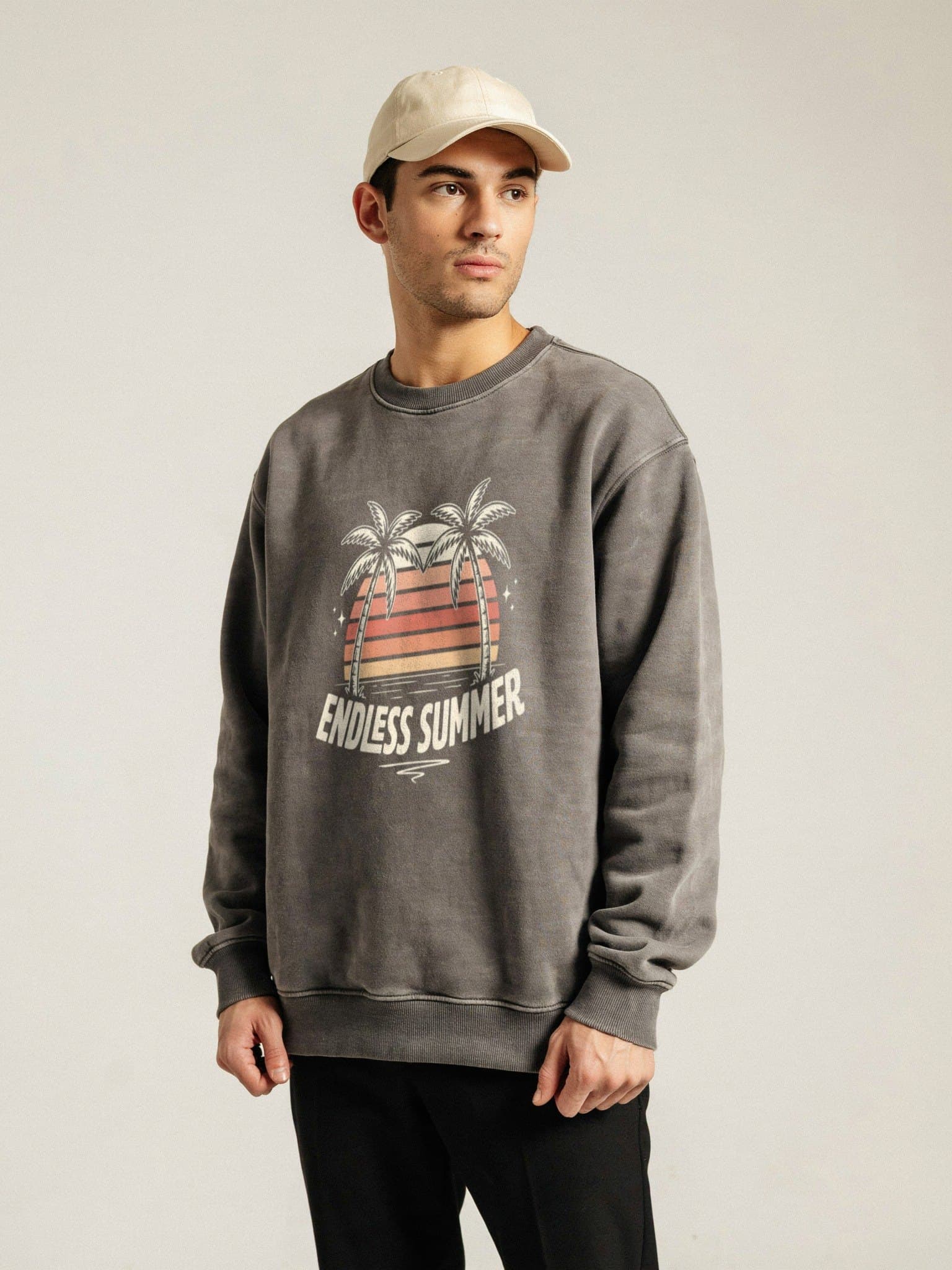
On a real hoodie the drawstrings hang over the print and a sleeve can cross it. Setmock keeps them on top, so your design looks printed on the fleece — on your own mockup photos.
Start free — no card needed
How it works
- 1
Add your hoodie and sweatshirt photos
Upload flat lays, hangers or model shots — JPG, PNG or PSD — and keep them as one template.
- 2
Set the print area and paint what stays in front
Place the design on the chest, then paint over drawstrings or a sleeve so they stay above the print.
- 3
Batch your designs
Drop in your new designs. Each one lands in the same spot on every hoodie and sweatshirt, ready in one ZIP.
Why it matters for fleece
Drawstrings and sleeves on top
The parts of the garment that cover the print in real life stay in front of it in the mockup too.
Fleece texture shows through
The fabric effect lets the knit and folds come through the ink, on heather, light and dark colours.
Dark colours look right
Ink brightness, saturation and softness can be tuned so prints on black and charcoal don't look like stickers.
Hoodies, crewnecks and tees together
One template can mix garments, each with its own print area — handy when one design goes on several products.
Questions
- Can I keep the drawstrings in front of the design?
- Yes. Paint over them once on the mockup and they stay on top of every design you add.
- Does it work on black hoodies?
- Yes. The realistic blend keeps colours bright on dark fleece while letting the texture show.
- Do I need PSD mockups?
- No. JPG and PNG photos work. PSD mockups with Smart Objects work too.
- How many designs can I do at once?
- Up to 10 designs per batch on Starter and up to 100 on Pro. The Free plan does one design at a time.
Your next hoodie drop, on every mockup.
Free plan, no card. Set up your first template in a few minutes.
Start free