Mug mockups
Mug mockups that actually wrap around the mug.
A flat design pasted on a mug gives it away. Setmock bends each design around the cup — narrower at the sides, following the rim — on the mug photos you already use.
Start free — no card needed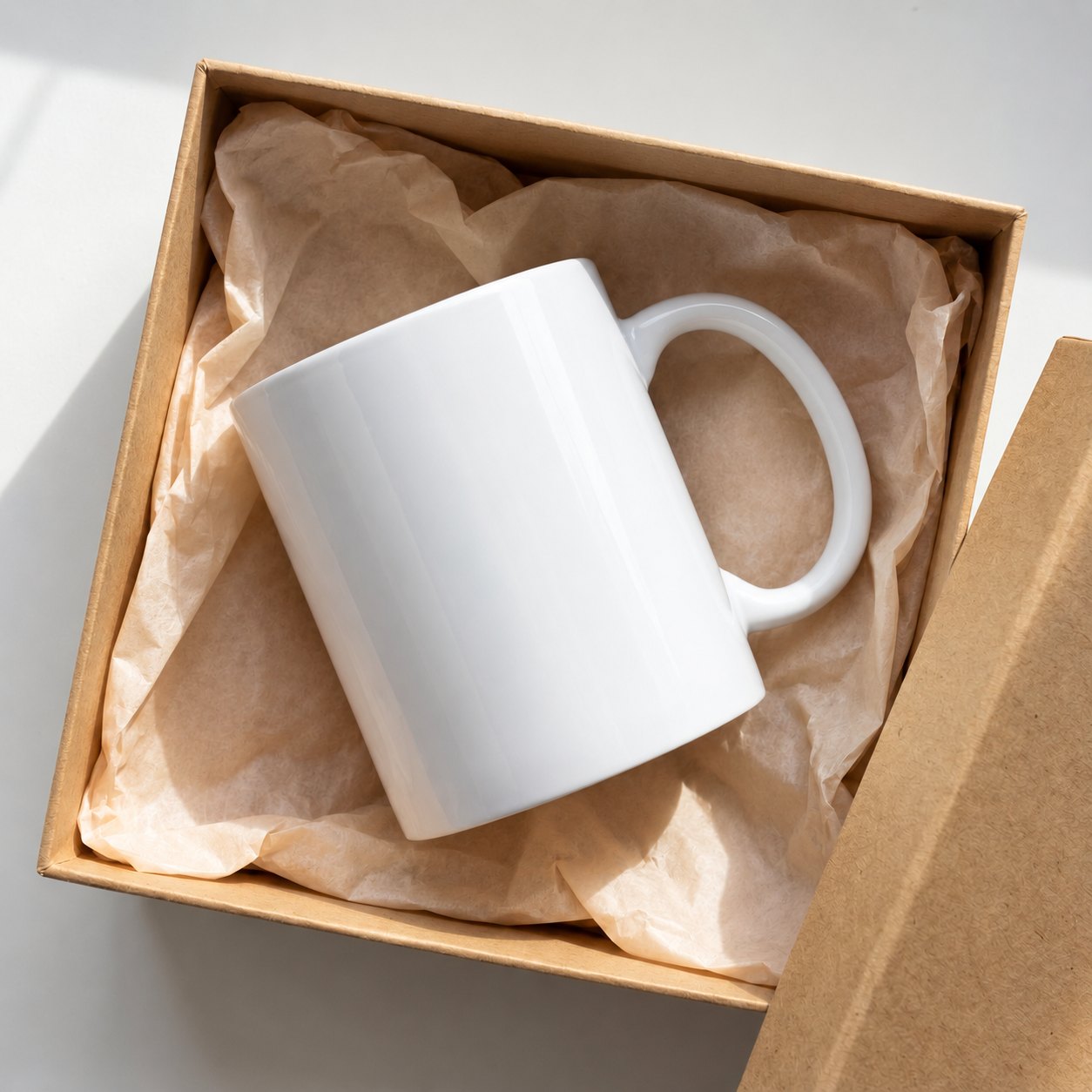


How it works
- 1
Add your mug photos
Upload any mug, tumbler or bottle mockup — JPG, PNG or PSD — and keep them together as one template.
- 2
Turn on Mug / bottle
Set the mug's width and the camera angle once. The design curves round the cup and its top edge follows the rim.
- 3
Batch your designs
Drop in your new designs. Each one wraps the same way on every mug photo, ready to download in one ZIP.
Why it matters for mug listings
Looks printed, not pasted
The curve, gloss and shadows of the mug stay on top of the design, the way a real sublimation print looks.
Any angle
Mugs shot from slightly above, held in hands or lying in a gift box — set the angle once per photo.
Same placement every time
Every design sits at the same height and size on every mug, so your listings look like one collection.
Mix with other products
Put mugs, tees and posters in one template if you sell the same design on several products.
Questions
- Does it work with 11 oz and 15 oz mugs?
- Yes. You set the mug's width on each photo, so any size of mug, tumbler or bottle works.
- Do I need a PSD mug mockup?
- No. Plain JPG and PNG photos work — Setmock does the curve itself. PSD mockups work too.
- Can the design wrap all the way around?
- Setmock bends the design across the visible front of the mug, which is what a listing photo shows.
- How many mug designs can I do at once?
- Up to 10 designs per batch on Starter and up to 100 on Pro. The Free plan does one design at a time.
Every new design, wrapped round every mug.
Free plan, no card. Set up your first template in a few minutes.
Start free